
Every invoice, searchable
Pull up any invoice on your account by number or date — no calling the office for a copy.
The Capital Trading app keeps your account at hand. View your invoices and statements and make payments online — on the phone that is already in your apron.


Free on iPhone and Android. Sign in with your Capital Trading account.
Capital Trading app
No calling the office for an invoice copy, no waiting on a mailed statement. Your account, on a phone, in English or 中文.
Pull up any invoice on your account by number or date — no calling the office for a copy.
Settle an invoice online in a few taps and get confirmation on the spot.
Look up an invoice at 11pm or pay a statement on a Sunday. No waiting for the office to open.
Every statement, credit memo, and payment on your account — searchable, with balances always current.
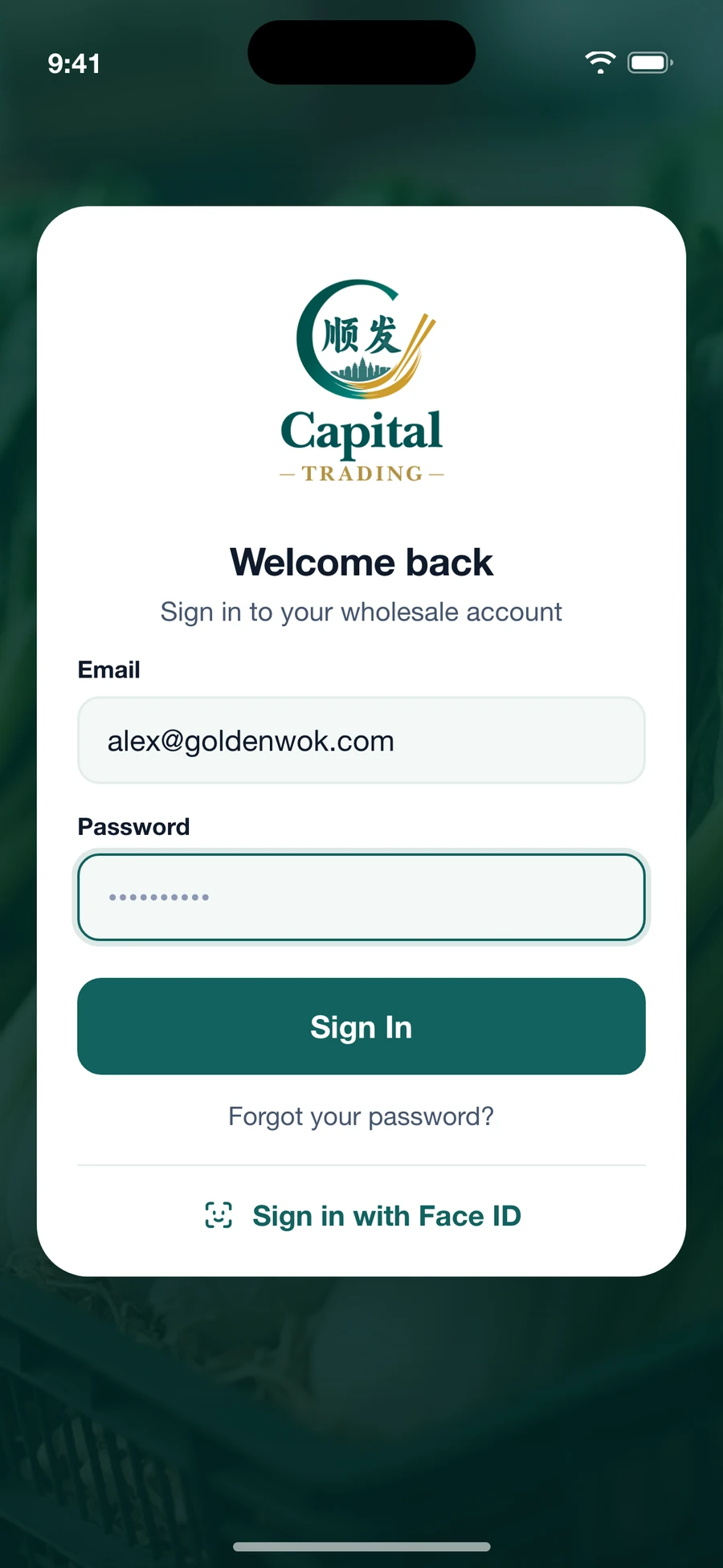
Secure sign-in with Face ID or Touch ID, so checking an invoice takes seconds, not a password reset.
The whole app runs in English or Simplified Chinese. Switch any time in settings.
Sign in
Face ID or your account email. One tap and you are in.
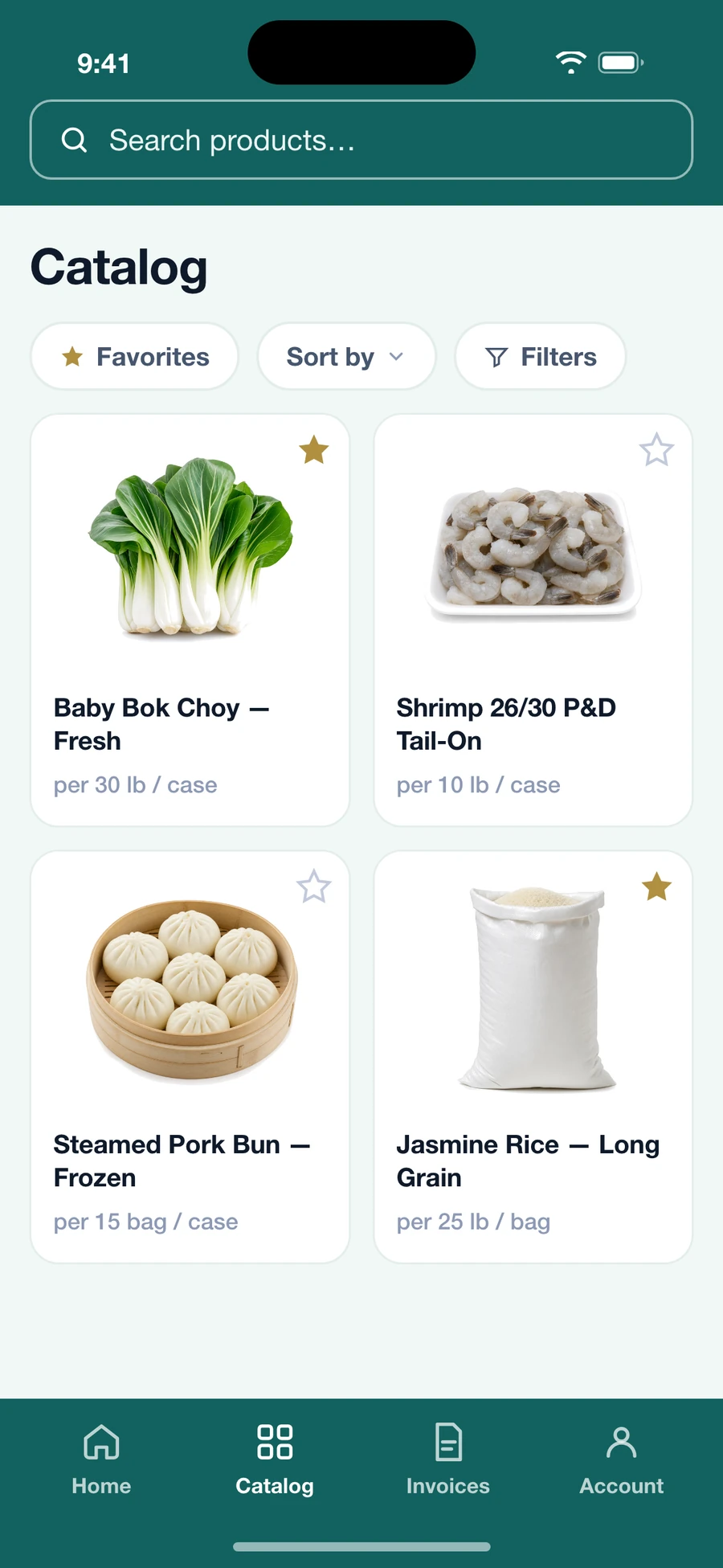
See what we stock
Every category we carry, searchable by name or item number.
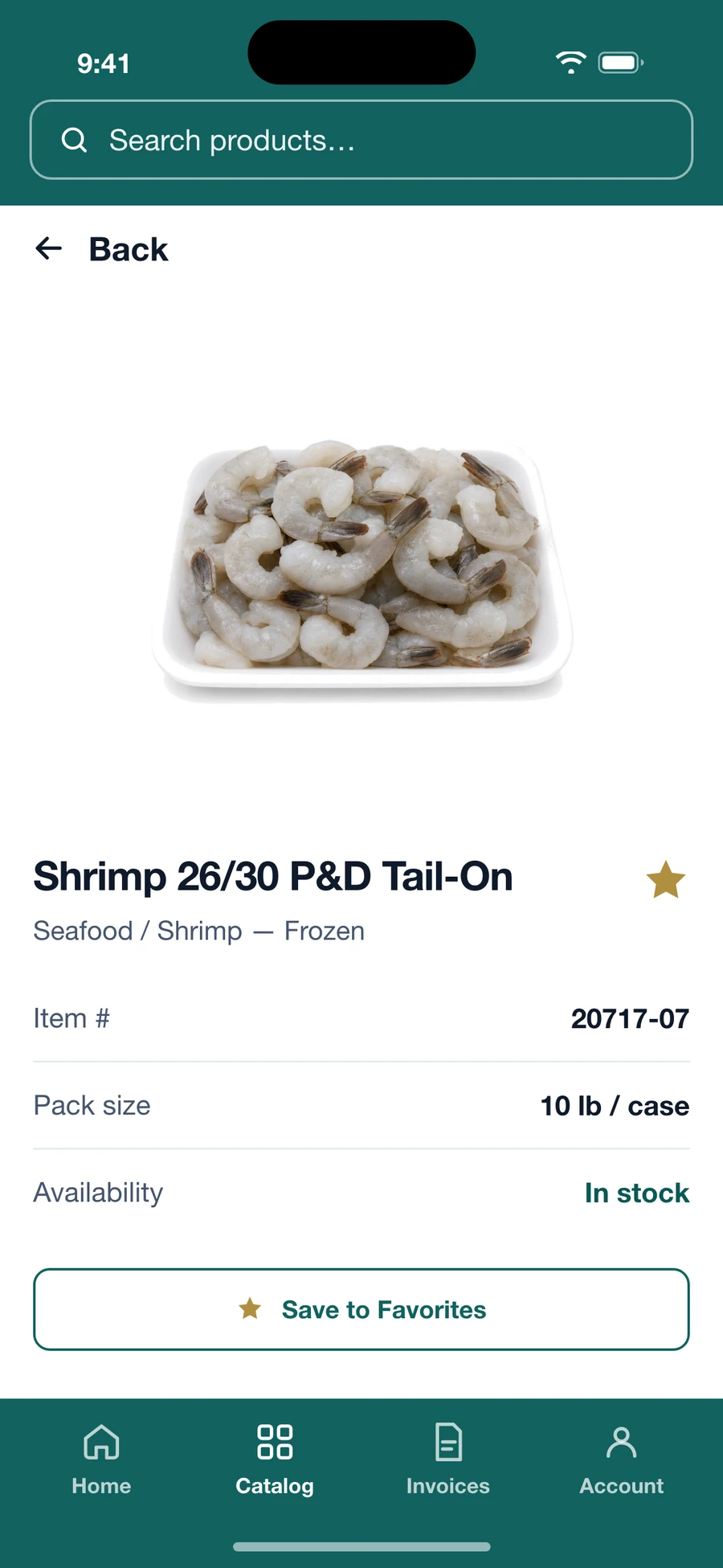
Item detail
Pack size, item number, and category at a glance.
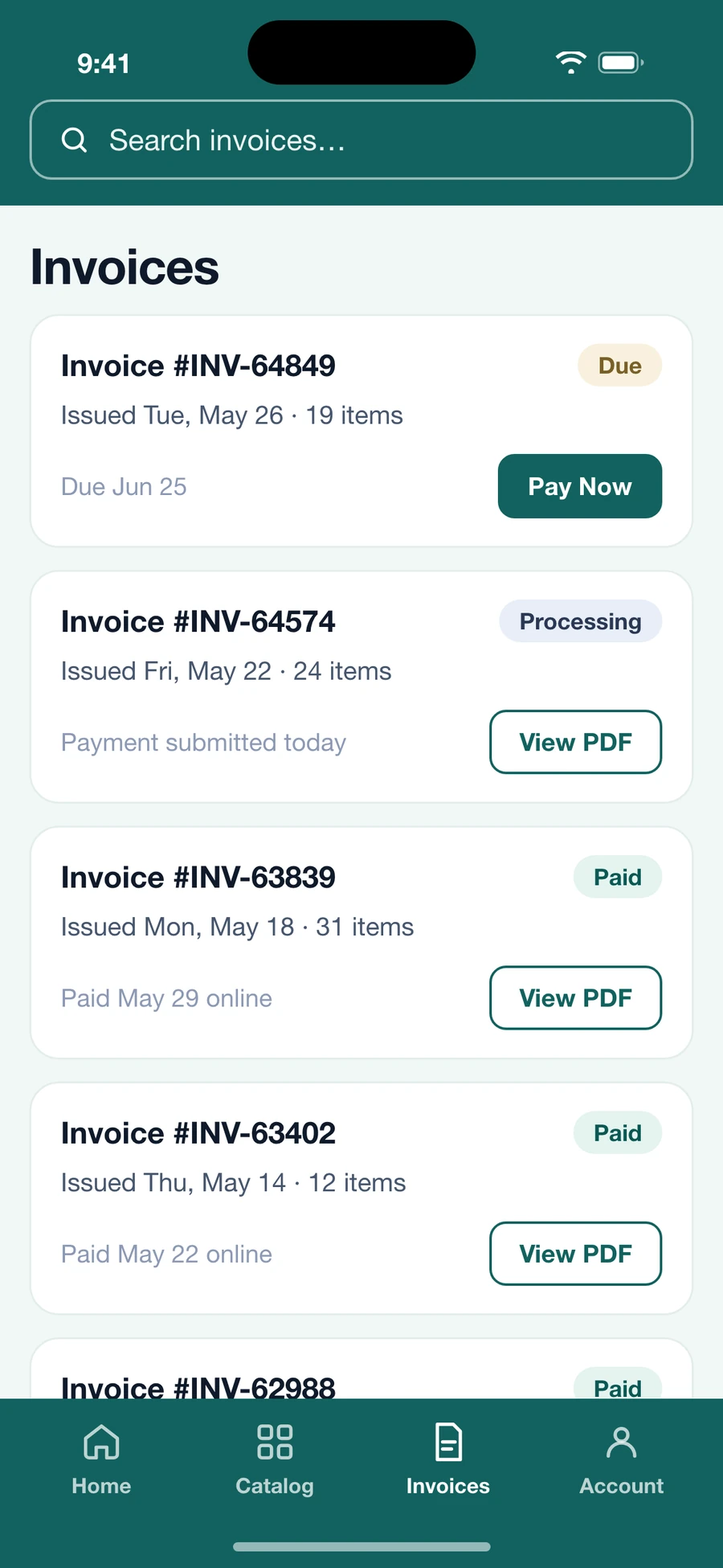
Invoices & payments
Every invoice on your account — view it, download it, or pay it online.
Item pricing is shown inside the app once you are signed in to your wholesale account.
Open a wholesale account
One short form. We call back to set up terms and delivery.
Download the app
Free on iPhone and Android. Search “Capital Trading” or use the links on this page.
Sign in
Use the same login as the customer portal. Your invoices and account history are already there.